

Why the Big Screen Makes a Real Difference
Watching content on a 55-inch screen versus a phone is simply a different experience. The detail is sharper, the sound fills the room, and you can sit back and relax rather than squinting at a small display. For a site like Naked News, which has been producing video content since it launched as a TV series in 1999, the production quality is built for larger formats. Moving from a laptop to a smart TV is a genuine upgrade, and the good news is that it takes only a few minutes to set up.

Before diving into the methods, it helps to know what device you are working with. A Samsung Tizen TV, an LG webOS set, and a Sony Android TV all handle web browsing slightly differently. Knowing your TV brand saves time and reduces frustration.
The Built-in Browser Method
Most modern smart TVs sold in the UK come with a web browser pre-installed. LG TVs use the webOS browser, Samsung uses its own Tizen-based browser, and Sony Android TVs use a Google-powered browser. All of them can load nakednews.com without any additional hardware.
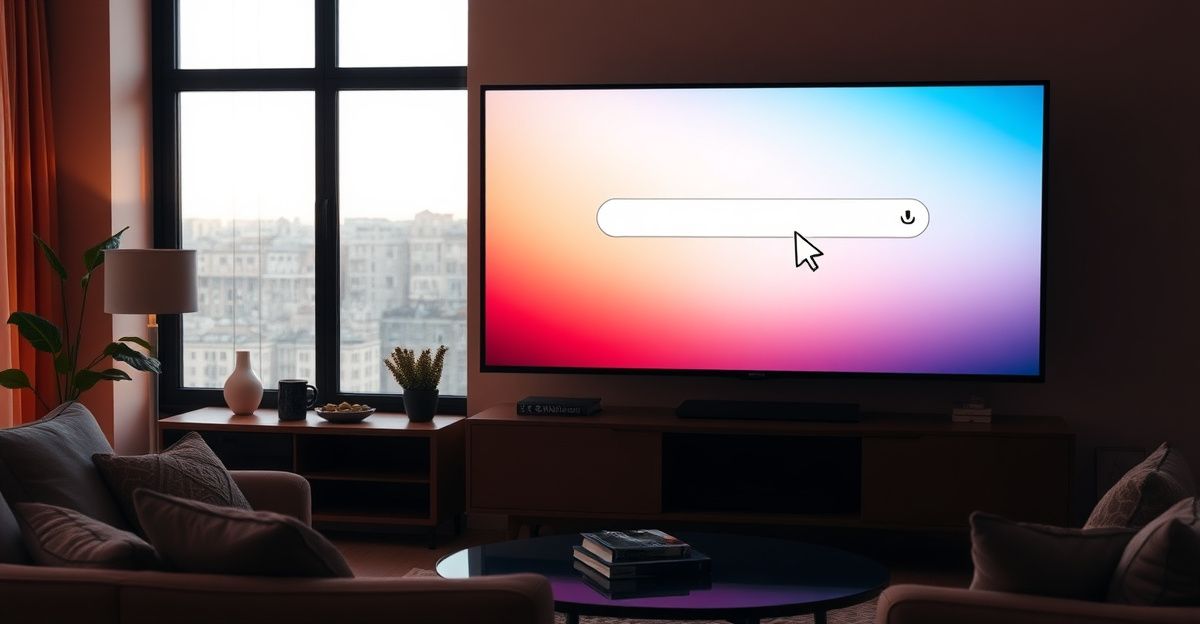
Press the home button on your remote, scroll through your apps, and look for an icon labelled Internet, Browser, or Web Browser. Launch it, then type the site address into the URL bar. A Bluetooth keyboard paired to your TV makes this far more comfortable than hunting letters with a remote. Once the page loads, log in with your existing account or complete the signup process. The site handles registration directly on the page, and the process is straightforward for anyone who has signed up for a streaming service before. Keep in mind that accessing adult content in the UK requires confirming you are 18 or over, so having a valid payment method available during signup is a practical first step.
One thing worth noting: some smart TV browsers render video players differently from desktop Chrome or Firefox. If a video stutters or does not play at full resolution, check the streaming quality settings within your account. Lowering the resolution slightly can smooth out playback on older TVs with slower processors.
Chromecast: Clean and Reliable
If your TV does not have a usable browser, or if you prefer a cleaner interface, Chromecast is the most reliable path. You do not need a Chromecast device if your TV already supports Google Cast, which many recent UK models do natively.
Open the Naked News website on your phone or laptop using the Chrome browser. Look for the cast icon in the browser menu (three dots in the top right corner on Chrome). Tap it, select Cast tab, and choose your TV from the device list. Whatever is playing in the browser tab will then appear on your TV. The audio and video both transfer, and you can use your phone as a remote control to navigate the site while the TV displays the content. This method works particularly well if you are already comfortable browsing on your phone and just want to push the picture to a larger screen.
For the smoothest Chromecast experience, make sure your phone and TV are on the same Wi-Fi network. A 5 GHz connection reduces buffering compared to a crowded 2.4 GHz band.
Screen Mirroring for iPhone and Android Users
Screen mirroring is a solid alternative that works without Chromecast hardware. iPhone users can use AirPlay to beam content to an Apple TV or any AirPlay 2 compatible smart TV, including recent LG and Samsung models. Swipe down to open Control Centre, tap Screen Mirroring, and select your TV. Android users have a similar feature called Smart View on Samsung devices, or simply Screen Cast on stock Android. Open the Naked News site on your phone first, then activate mirroring.
One small consideration: mirroring the entire screen means your TV shows everything on your phone, including notifications. Switching your phone to Do Not Disturb before starting a session keeps things tidy and uninterrupted. You can read more about the Naked News mobile experience if you want to optimise how the site behaves on your device before casting.
What Engagement Taught Me About Viewing Habits
Back in September, I spent time in an online forum where performers and regular viewers talked openly about what makes a session feel worthwhile. One performer described how she greets viewers by name and asks genuine questions about their day. I carried that mindset into how I approached content discovery on the platform that same week, and the shift was noticeable. Instead of passively scrolling, I started paying attention to which presenters communicated with confidence and warmth, and those became the sessions I returned to. It is a reminder that exploration of different presenters and formats, rather than sticking to the first thing that loads, leads to a much richer experience. Communication and curiosity matter even when you are on the viewing side of the screen.
The same principle applies to how you set up your viewing environment. Taking a moment to check your Wi-Fi signal, dim the room lighting, and connect decent speakers or a soundbar transforms the experience. Respect for your own comfort is part of getting the most from the content.
UK Geo-Access and Age Verification
Naked News is accessible in the UK, and the site complies with standard adult content requirements. The UK Digital Economy Act 2017 introduced age verification obligations for commercial adult sites, and while full enforcement has been slow, responsible platforms have continued to implement their own checks. Expect to confirm your age during signup, typically through a credit or debit card. This is standard practice across adult platforms and is there to protect both viewers and performers.
If you ever see a "content not available in your region" message, a quick check of your router settings or a call to your internet provider usually clarifies whether your ISP is applying a parental control filter. Many UK broadband providers activate adult content filters by default. You can request that the filter be removed by verifying your age with the provider directly, a process that takes a few minutes online. Once the ISP filter is lifted, nakednews.com loads without issue on any device including your smart TV browser.
For a broader look at the site's content and account features, the features overview is a useful reference before you commit to a subscription.
Setting a Comfortable Budget
Adult content sites often use token systems or subscription tiers to manage access. Understanding the budget implications before you start is a straightforward way to stay in control. Set a monthly budget that feels comfortable, and check whether the platform offers a trial period or a lower-cost entry tier. Mindfulness about spending is not about limiting enjoyment; it is about making sure the experience stays positive over time. Knowing what you are paying for, and having clear boundaries around that, is simply good practice.
Comments
No comments yet.
Leave a comment
Your email will not be shown. Comments are reviewed before they appear.