


Getting started with Naked News means creating an account that links your email, password, and payment information. The platform combines news broadcasting with adult entertainment, featuring nude presenters delivering current events and weather updates. Setting up your profile correctly ensures smooth access to content while protecting your privacy and financial details.
What You Need Before Starting
Gather your essentials before beginning the registration process. You need a working email address that you check regularly, since the platform sends verification links and account updates there. Choose an email you control exclusively - shared or work addresses create security risks.
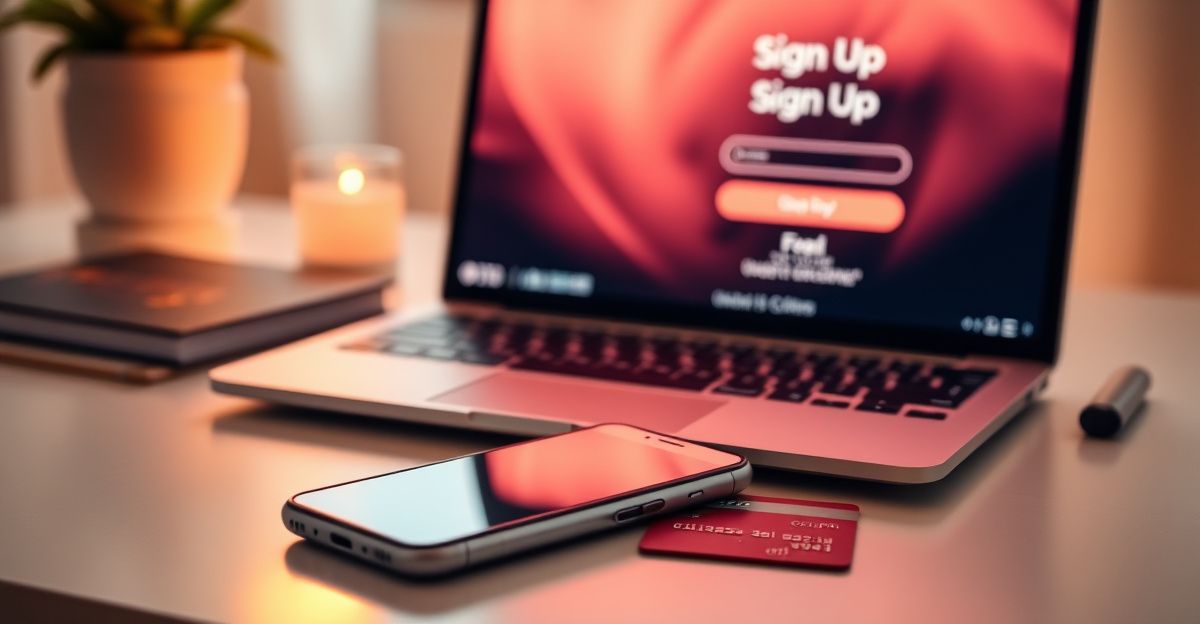
Your payment card must be issued by a UK bank. Naked News accepts Visa, Mastercard, and Maestro cards for subscriptions and one-time purchases. Prepaid cards sometimes fail verification, so a standard debit or credit card works best. Have the card number, expiry date, and CVV code ready.
A secure device matters too. Use a private computer or phone rather than public terminals. Clear your browser cache afterward if you must use a shared device, though this is not recommended for adult content platforms.
Step-by-Step Registration Process
Navigate to the Naked News homepage and locate the sign-up button, usually positioned in the top right corner. Click it to open the registration form. The form requests basic information: your chosen username, email address, and password.
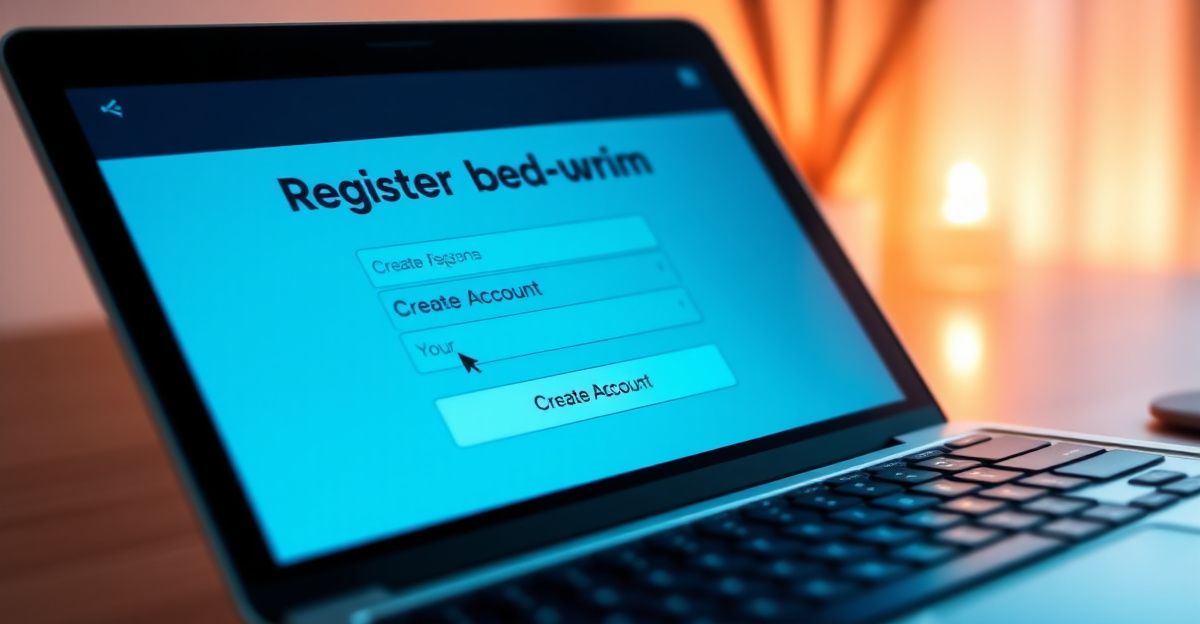
Pick a username that does not reveal your real identity. Many users select random words or numbers to maintain anonymity. The platform checks if your chosen name is available and prompts you to try another if someone else claimed it first.
Enter your email address carefully. A single typo means you will not receive the verification link. Type it twice if the form includes a confirmation field. Some users create dedicated email accounts for adult content subscriptions to separate this activity from personal or professional correspondence.
Create a strong password with at least eight characters. Mix uppercase and lowercase letters, numbers, and symbols. Avoid obvious choices like "password123" or your birth year. Password managers generate and store complex passwords if you struggle to remember them.
After submitting the form, check your email inbox for a verification message. It arrives within minutes, though occasionally lands in spam folders. Click the link inside to confirm your address. This step prevents bots and ensures the platform can reach you about account matters.
Adding Payment Information
Once verified, log in using your new credentials. The site redirects you to a payment setup page or displays a prompt to add billing details. Navigate to the account settings if you skip this initially - look for a "Payment Methods" or "Billing" section in the menu.
Enter your card number in the designated field. The form auto-detects whether you are using Visa, Mastercard, or Maestro based on the first digits. Fill in the expiry date using the month and year format shown. Type the three-digit CVV code from the back of your card.
Some payment pages request your billing address. Provide the address linked to your card statement. Mismatched addresses trigger fraud alerts and decline transactions. UK addresses require the postcode in the correct format - the system validates this before processing.
The platform uses secure payment gateways that encrypt your card data during transmission. It does not store your full card number on its servers. Instead, a tokenized reference allows future charges without exposing sensitive digits. This reduces risk if the site experiences a data breach.
Review the subscription terms before confirming. Check whether you are signing up for a recurring monthly charge or a single payment. Recurring subscriptions renew automatically unless you cancel. Note the billing date so you can budget accordingly or cancel before the next cycle if needed.
Building Trust Through Transparency
When I first started engaging with cam platforms, I worried about hidden fees and unclear pricing. One Friday evening in August, I decided to approach it differently by setting clear expectations from the start. I mapped out exactly what I was comfortable with and what it would cost - simple interactions for smaller amounts, more personal requests at higher tiers. Posting those details felt vulnerable, as though I was reducing connection to a transaction list. Yet viewers responded positively. They knew how to show appreciation without guessing, and I felt respected because the boundaries were explicit. That night my earnings jumped 40 percent compared to typical sessions, purely because clarity removed awkwardness. The same principle applies when you create your account: transparent payment terms and straightforward signup steps build confidence on both sides of the screen.
Common Registration Issues and Solutions
Email verification links expire after 24 hours. If you wait too long, request a new link through the login page. The site sends a fresh message to the same address. Check spam and promotions folders if nothing appears in your main inbox.
Payment declines happen for several reasons. Insufficient funds, incorrect CVV codes, or expired cards cause most failures. Contact your bank if repeated attempts fail - some institutions block adult content purchases by default. Ask them to whitelist the transaction or use a different card.
Username conflicts arise when your first choice is taken. Add numbers or underscores to make it unique. Avoid using personal information like your surname or birthdate, which compromises anonymity.
Browser compatibility affects form submission. Older browsers or strict privacy extensions sometimes block scripts needed for the signup process. Try a different browser or temporarily disable extensions if the form does not respond.
Managing Your Account After Setup
Log in regularly to keep your account active. Platforms sometimes deactivate profiles that show no activity for extended periods. This protects against abandoned accounts being hijacked.
Update your password every few months. If you suspect a breach or share devices with others, change it immediately. Use the "forgot password" feature if you lose access - it sends a reset link to your registered email.
Monitor your billing statements for unexpected charges. Subscription renewals appear as recurring transactions. If you see charges you did not authorize, contact support and your bank to dispute them. Most payment processors offer chargeback protection for fraudulent activity.
Adjust your email preferences to control how often the platform contacts you. Promotional messages, content updates, and billing reminders each have separate toggles in account settings. Unsubscribe from marketing emails while keeping transactional notifications active.
Privacy and Security Considerations
Enable two-factor authentication if the platform offers it. This adds a second verification step during login, usually a code sent to your phone. It prevents unauthorized access even if someone steals your password.
Use a VPN when accessing adult content sites, especially on public Wi-Fi networks. VPNs encrypt your internet traffic and mask your IP address. This protects your browsing activity from network administrators and potential eavesdroppers.
Review the privacy policy to understand how the site handles your data. UK-based users benefit from GDPR protections, which require explicit consent for data collection and grant rights to access or delete personal information. Request data deletion if you close your account permanently.
Avoid linking your Naked News account to social media profiles. Cross-platform connections create digital trails that compromise anonymity. Keep your adult content activity separate from public identities.
Exploring Related Platforms
If you are interested in broader cam experiences beyond news-themed content, platforms like Flirtify offer interactive shows with diverse performers. Each site has its own registration process, but the core steps - email verification, password creation, and payment setup - remain similar across the industry.
Comments
No comments yet.
Leave a comment
Your email will not be shown. Comments are reviewed before they appear.